 English
 Italiano
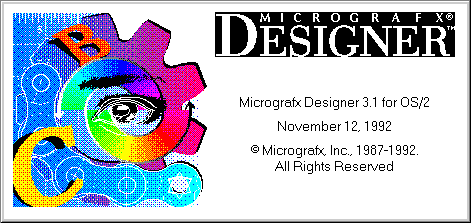
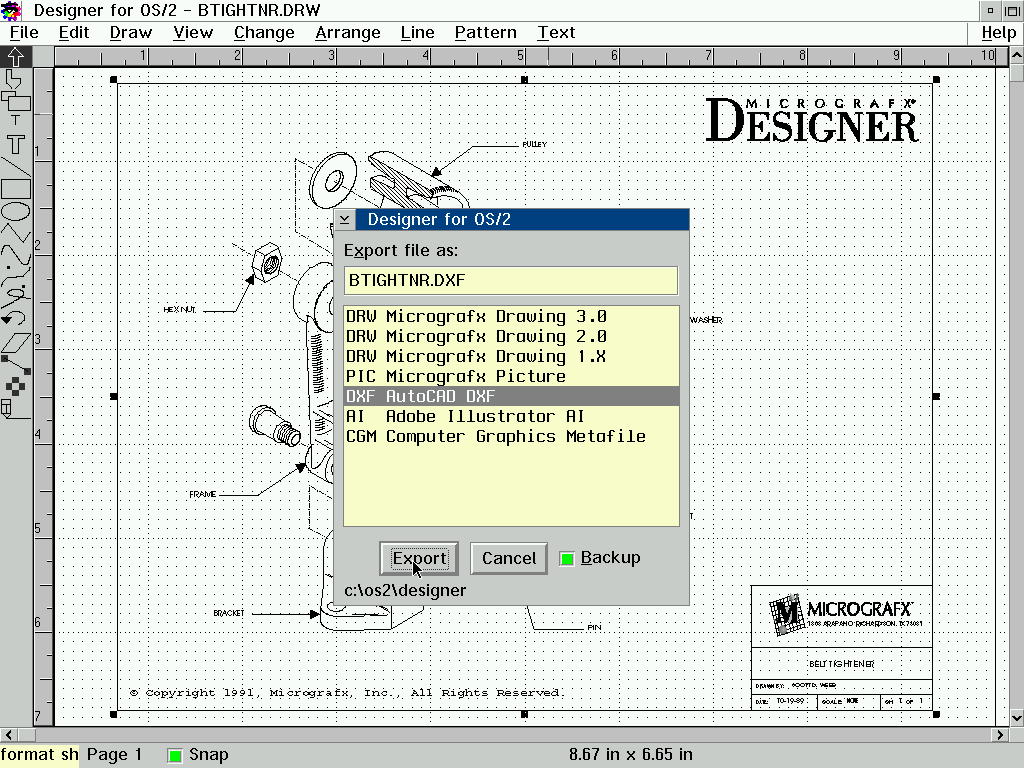
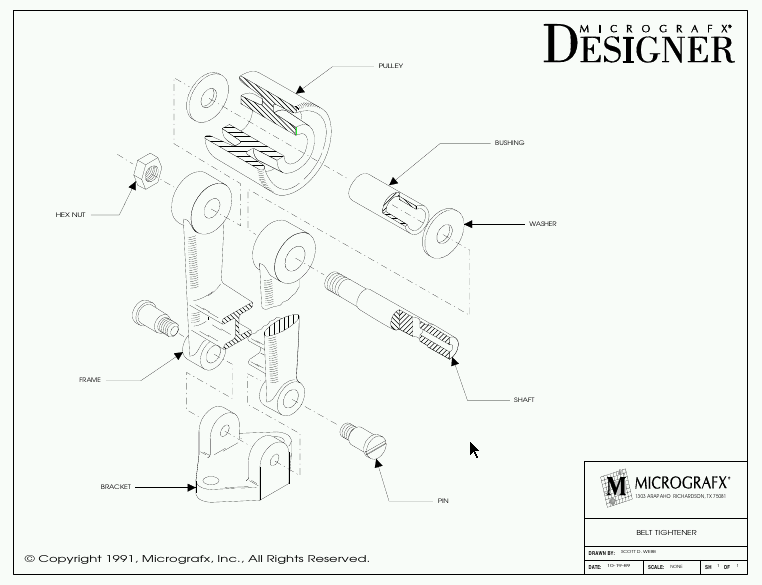
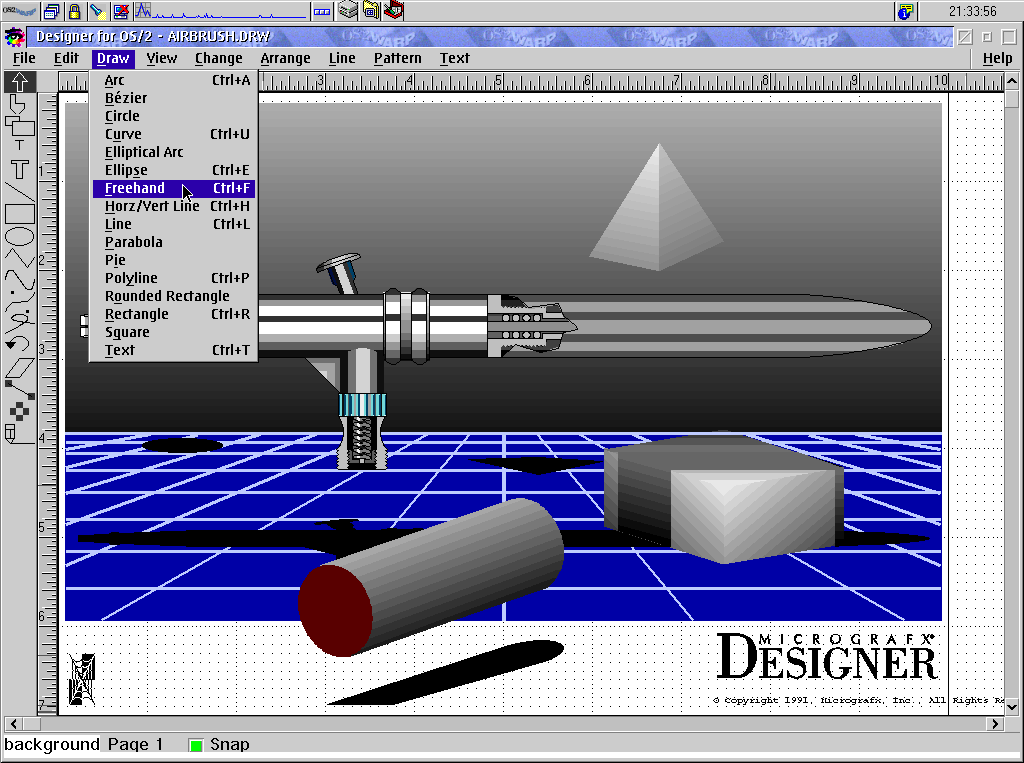
Micrografx Designer for OS/2!
This product, although not being developed/updated/sold since long time, it is luckily available as "Abandonware" software on many dedicated sites on world wide web.
A note about the future of ecsoft2.org
ecsoft2.org runs on software (Drupal 7 and PHP 7.4) that reached its end of life years ago and no longer receives security updates. Keeping the site online safely is getting harder.
Giving it a future means migrating it to a current platform — and that is only worth doing if people still use it and want to help keep it alive.
If you care about ecsoft2.org, as a user, a contributor, or someone willing to lend a hand, please ggamba tiscali [dot] it (get in touch) by January 31, 2027.
If no one comes forward by then, the site will be turned into a read-only archive, so that its content stays available.
Self-installing package. Run INSTALL.EXE. See below for download link(s).
Following ones are the download links for manual installation:
| Micrografx Designer for OS/2 v. 3.1 (12/11/1992, Micrografx Inc) | Readme/What's new |
Micrografx Designer for OS/2 3.1 Read Me
Because of the time required to print the manuals, they may not contain the most recent information about Designer for OS/2's features. In the few places where the information in the manuals does not match the information in on-line help, use the more recent information in on-line help.
New Designer for OS/2 3.1 Features Not Documented in the Manuals
Below is a partial list of the features that were added to Designer for OS/2 3.1 after the documentation was completed.
You can stop importing a bitmap before Designer for OS/2 imports the entire bitmap. This lets you check to see if you are importing the right bitmap without waiting to import the entire bitmap. After you choose the Import command button in the PCX or TIFF Input Configuration dialog boxes, a dialog box displays that lets you cancel or stop the import. The Stop command button ends the bitmap import and displays the partially imported bitmap. The Cancel command button ends the bitmap import and discards the partially imported bitmap.
The Convert to Curves command in the Text menu now supports Adobe Type Manager fonts.
Designer for OS/2 now supports 256-color display drivers.
DTC (Type 1) fonts must be converted to curves before they can be used with Designer for OS/2's symbol fill and masking features. You do not need to convert the Bitstream (R) fonts listed in the chapter "Using Text" in the Designer for OS/2 User's Guide before using the symbol and masking features. |
 vetusware.com/download/Designer%203.1/?id=16667 vetusware.com/download/Designer%203.1/?id=16667 |
||
| Micrografx Designer for OS/2 v. 3.1 (12/11/1992, Micrografx Inc) | Readme/What's new |
Micrografx Designer for OS/2 3.1 Read Me
Because of the time required to print the manuals, they may not contain the most recent information about Designer for OS/2's features. In the few places where the information in the manuals does not match the information in on-line help, use the more recent information in on-line help.
New Designer for OS/2 3.1 Features Not Documented in the Manuals
Below is a partial list of the features that were added to Designer for OS/2 3.1 after the documentation was completed.
You can stop importing a bitmap before Designer for OS/2 imports the entire bitmap. This lets you check to see if you are importing the right bitmap without waiting to import the entire bitmap. After you choose the Import command button in the PCX or TIFF Input Configuration dialog boxes, a dialog box displays that lets you cancel or stop the import. The Stop command button ends the bitmap import and displays the partially imported bitmap. The Cancel command button ends the bitmap import and discards the partially imported bitmap.
The Convert to Curves command in the Text menu now supports Adobe Type Manager fonts.
Designer for OS/2 now supports 256-color display drivers.
DTC (Type 1) fonts must be converted to curves before they can be used with Designer for OS/2's symbol fill and masking features. You do not need to convert the Bitstream (R) fonts listed in the chapter "Using Text" in the Designer for OS/2 User's Guide before using the symbol and masking features. |
|
winworldpc.com/download/0e5c996c-ba03-11f1-bc59-0200008a0da4 |

This work is licensed under a Creative Commons Attribution 4.0 International License.
Contact us! (webform or ecsoft2 [dot] orggmail [dot] com (email))



Add new comment