 English
 Italiano
GammaTech REXX SuperSet/2 comprende una serie di funzioni REXX e di classi SOM per OS/2.
A note about the future of ecsoft2.org
ecsoft2.org runs on software (Drupal 7 and PHP 7.4) that reached its end of life years ago and no longer receives security updates. Keeping the site online safely is getting harder.
Giving it a future means migrating it to a current platform — and that is only worth doing if people still use it and want to help keep it alive.
If you care about ecsoft2.org, as a user, a contributor, or someone willing to lend a hand, please ggamba tiscali [dot] it (get in touch) by January 31, 2027.
If no one comes forward by then, the site will be turned into a read-only archive, so that its content stays available.
GammaTech REXX SuperSet/2
Versione:
2.00.01
Data rilascio:
Martedì, 25 Febbraio, 1997
Home:
Categorie:
Licenza:
- Commerciale
Interfaccia:
- PMShell
- Workplace Shell
- Finestra comandi
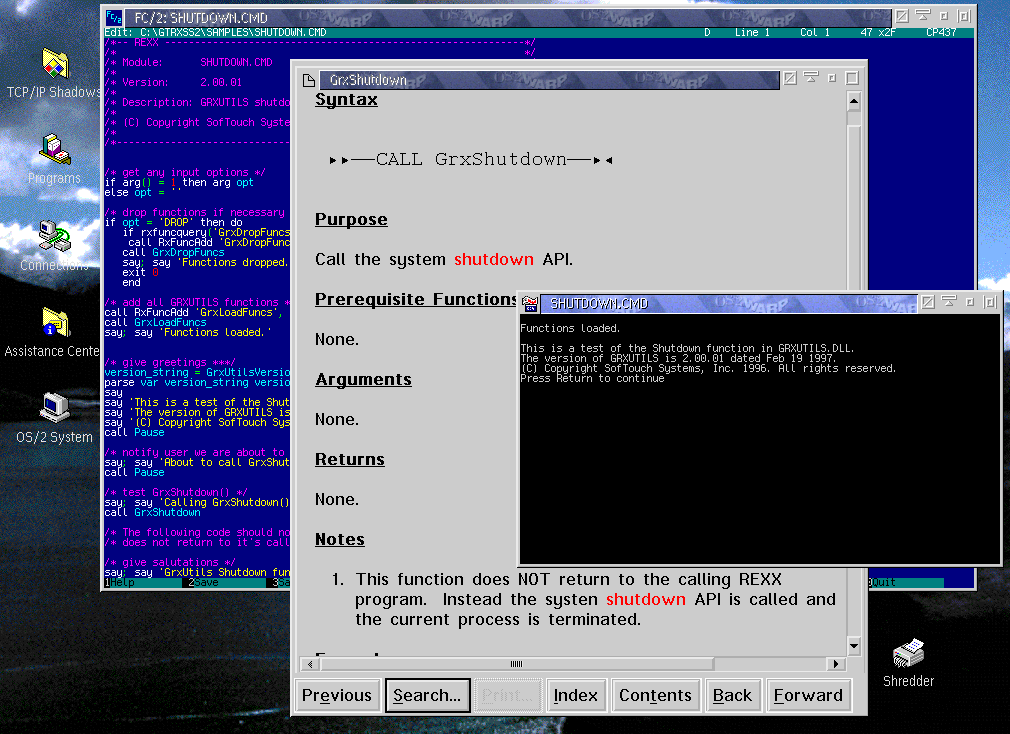
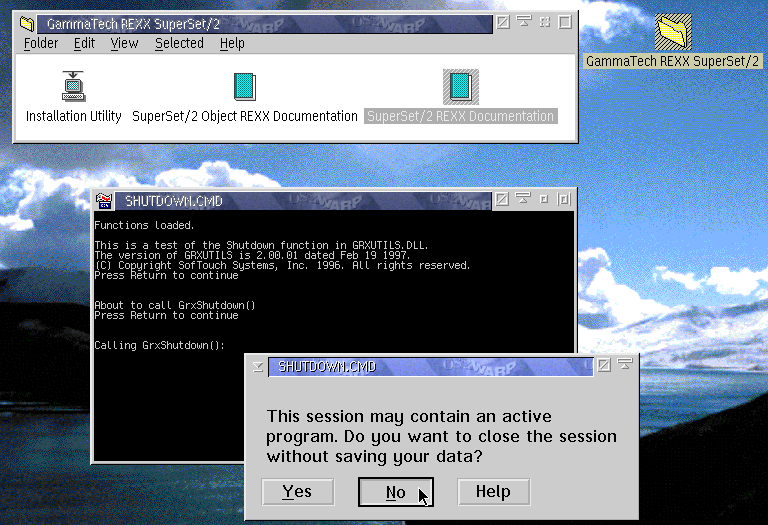
Installazione manuale
Pacchetto autoinstallante. Vedi sotto per il(i) link di download.
Qui di seguito trovi i link di download per l'installazione manuale del software:
| GammaTech REXX SuperSet/2 v. 2.00.01 (25/2/1997, SofTouch Systems Inc., W. David Ashley) | Readme/What's new |
GammaTech REXX SuperSet/2 - READ.ME
-----------------------------------
Welcome to GammaTech REXX SuperSet/2.
This file contains information you need to install GammaTech REXX
SuperSet/2, and additional information not included in the product
documentation.
This README file is divided into the following categories:
- Before You Install GammaTech REXX SuperSet/2
-Software Requirements
-Hardware Requirements
- Getting Help
- Installing GammaTech REXX SuperSet/2
- Late-Breaking News
Before You Install GammaTech REXX SuperSet/2
--------------------------------------------
Software Requirements
---------------------
GammaTech REXX SuperSet/2 consistes of 2 software packages. The first
package is a set standard REXX external function packages. This
package can be installed on any machine running OS/2 2.1 or later.
The second package is a set of SOM classes which can only be used
with OS/2 4.0 or later with Object REXX as the default REXX
environment.
Hardware Requirements
---------------------
GammaTech REXX SuperSet/2 has no special hardware requirements. It is
recommended that a minimum of 8 Megabytes of memory be available in
the machine. You will, of course, need a CDROM drive to install the
software.
Getting Help
------------
Documentation
GammaTech REXX SuperSet/2 provides 2 standard OS/2 online help
files: GRXHELP.INF for the standard REXX extension package and
SSCHELP.INF for the Object REXX SOM classes. Thes file may be
viewed using the standard OS/2 VIEW.EXE program.
Service and Technical Support
Contact SofTouch Systems, Inc for all service and technical
support issues at
SofTouch Systems, Inc.
1300 S. Meridan, Suite 600
Oklahoma City, OK. 73108
Telephone (405) 947-8080
FAX (405) 632-6537
Defect Reporting
All defects should be reported to SofTouch Systems at the
telephone numbers listed above.
Installing GammaTech REXX SuperSet/2
------------------------------------
To install the GammaTech REXX SuperSet/2
1. Insert the CDROM in the drive
2. Start an OS/2 Window
3. Change the current drive to your CDROM
4. Run the INSTALL.EXE program from the CDROM
Late-Breaking News
------------------
There is no late breaking news to report. |
 www.gt-online.com www.gt-online.com |
||
| GammaTech REXX SuperSet/2 v. 2.00.01 (25/2/1997, SofTouch Systems Inc., W. David Ashley) | ||
|
archive.org/download/rexxss2/REXXSS2.ISO |
Scheda aggiornata l'ultima volta il: 06/12/2020 - 13:36

This work is licensed under a Creative Commons Attribution 4.0 International License.
Scrivici! (tramite il form web o per ecsoft2 [dot] orggmail [dot] com (email))
Aggiungi un commento